Packaging and signing
Build installers
Section titled “Build installers”Build on the OS and CPU architecture you are packaging for:
uv run scripts/build.pyIt builds with the locked dependencies and the release profile, then writes the artifacts and SHA-256 checksum files to dist/.
| Host | Default output | Other formats |
|---|---|---|
| macOS, Apple Silicon or Intel | Aether-<version>-macos-<arch>.dmg |
--format app, --format tar |
| Linux, x86_64 or aarch64, glibc | Aether-<version>-linux-<arch>.tar.gz |
--format deb |
- The DMG includes an Applications shortcut.
--format appwritesdist/Aether.app; launch it withopen dist/Aether.app. The bundle includes its icon and version metadata.- macOS builds target macOS 12 or newer. Set
MACOSX_DEPLOYMENT_TARGETbefore building to raise the minimum. - The Debian package derives its shared library dependencies from the built binary.
- Arch users can build with
makepkgfrom the repository’sPKGBUILD.
Build Linux packages on the oldest distribution you intend to support. They depend on host libraries, including WebKitGTK.
macOS signing and notarization
Section titled “macOS signing and notarization”Local builds use an ad-hoc signature. Distributing outside your own machine needs an Apple Developer ID certificate and notarization credentials. Store a keychain profile with xcrun notarytool store-credentials, then:
uv run scripts/build.py \ --sign-identity 'Developer ID Application: Your Name (TEAMID)' \ --notary-profile aether-notaryThe build signs the app with the hardened runtime, creates and signs the DMG, submits it for notarization, then staples and validates the ticket. APPLE_SIGNING_IDENTITY and APPLE_NOTARY_PROFILE in the environment work too.
.github/workflows/build.yml runs on GitHub’s macOS and Linux runners: it checks formatting, runs the tests, validates the packaging scripts and desktop entry, then builds the packages with ad-hoc signatures.
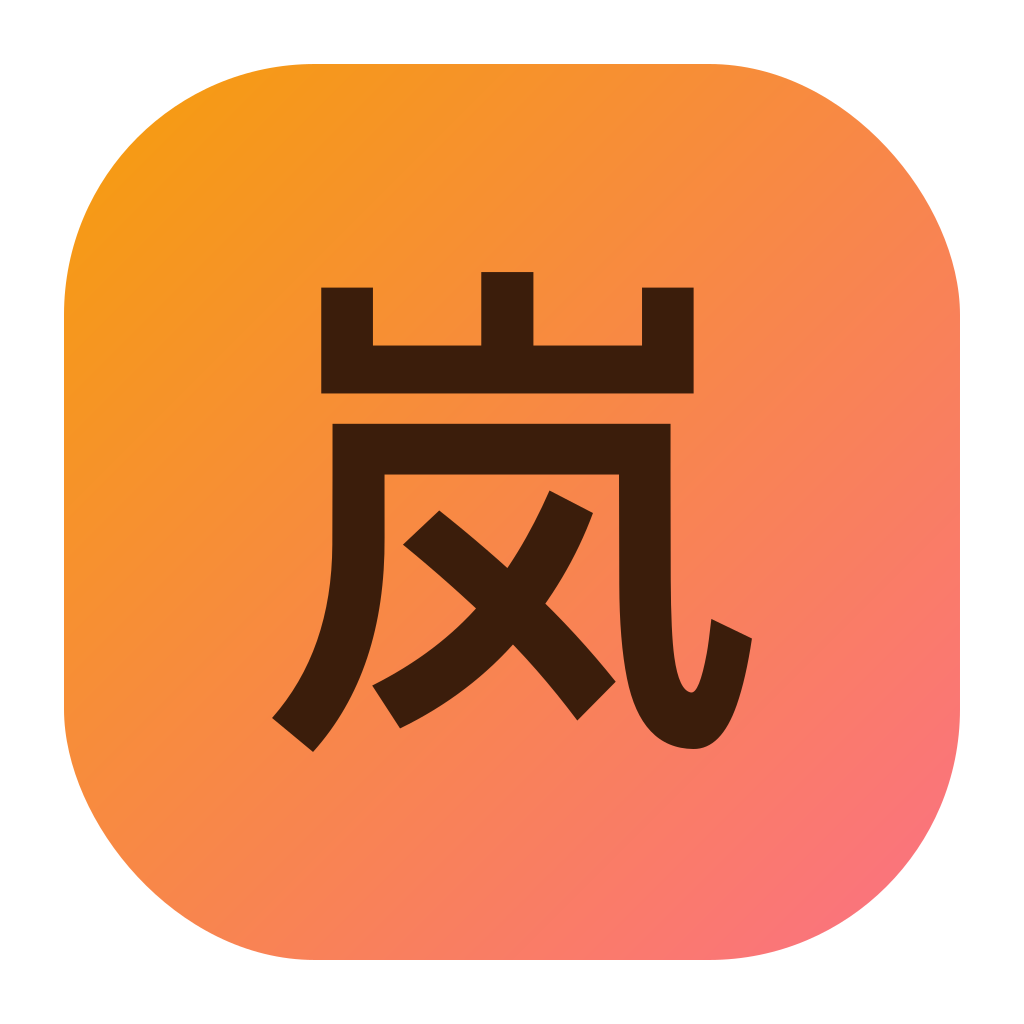
The official icon is the character 岚 on the brand’s mango to papaya gradient (#F59E0B to #FB7185), matching the sidebar’s brand mark. The source is crates/app/assets/app-icons/aether.svg. The glyph is stored as outlines so builds don’t depend on an installed CJK font.
PNG sizes and the macOS .icns are checked in, so normal builds need no image tools. After editing the SVG, install ImageMagick and run:
bash scripts/generate-icons.shPackaging tests:
uv run -m unittest discover -s scripts/tests -v